
This tutorial shows teachers and parents how to assign games and track progress on Ji Tap Pro.
Assign Lessons, Become a Pro, View Individual Member, View Insights | Comments are Closed | 27 February, 2019 | 0
Related Posts
-
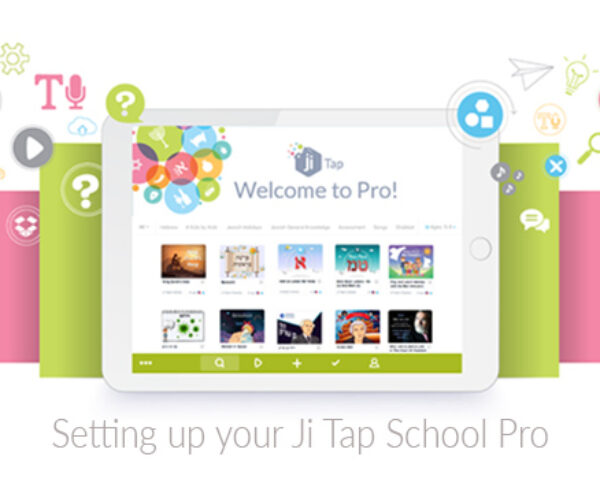
Step-by-step help for setting up your Ji Tap School Pro
-
 By Corinne Ossendryver | Comments are Closed
How to Create Sub-accounts for your Learners on Ji Tap Download the PDF to print out for your convenience. The easiest way to create student accounts, or sub-accounts, is for one teacher (or the tech personRead more
-
 By Corinne Ossendryver | Comments are Closed
This tutorial shows you how to invite your learners (sub-accounts) to join a class and how they can accept an invitation to join a class in Ji Tap.Read more
-
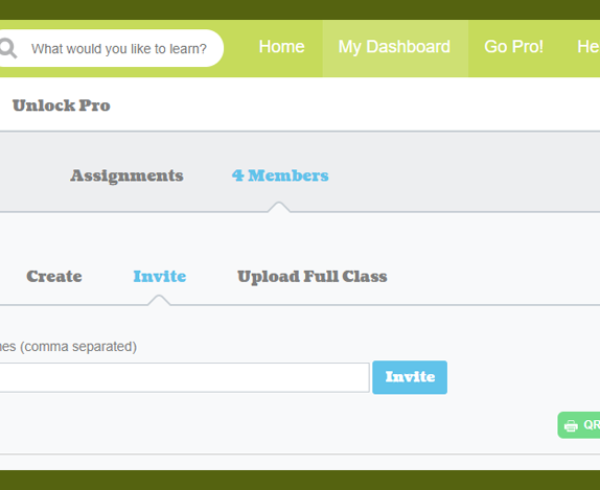
First, the user that created the group needs to invite you to the group by following this process: -click on the name of the group. -click on Members. -type in your email address orRead more
-
This tutorial shows students or kids how to login and join classes on Ji Tap.Read more


Recent Comments